Home / Support & Downloads / Wireless cinema latency: will lip-sync drift?
Wireless cinema latency: will lip-sync drift?
In short: The 5.8 GHz link adds far less than one video frame. What you notice as bad lip-sync is usually TV picture processing or the receiver's A/V sync setting.
Separate three delays
Wireless transport, receiver decoding, and display processing. The first two are milliseconds; the third - motion interpolation and noise reduction - is often tens of milliseconds and is the usual culprit.
How to tell
Play a speech clip with all TV processing off. If sync returns, the display was the problem; if not, check the receiver's A/V sync before touching the wireless link.
Order of checks
| Step | Action | Reading |
|---|---|---|
| 1 | Disable TV motion and noise reduction | Sync returns - display delay |
| 2 | Zero the A/V sync and retest | Sync returns - setting |
| 3 | Move the wireless speaker into the transmitter room | Sync returns - distance or obstruction |
| 4 | Compare with a wired speaker | Still late - source |
Cost: 5.8 GHz penetrates walls poorly; long distance or load-bearing walls cause retries, which is the one real wireless-side delay.
Related
- Selection guide hub
- CW90 with height channels: two ways to build 5.1.2
- IW3max vs IW4pro: what 85 mm and 105 mm really change
- IW4pro vs IW6 WIDE: what 105 and 185 mm change for a room
- Should you pre-wire the living-room cinema?
- How many speakers does a room need?
- Troubleshooting
- Case breakdowns
- Download center and support
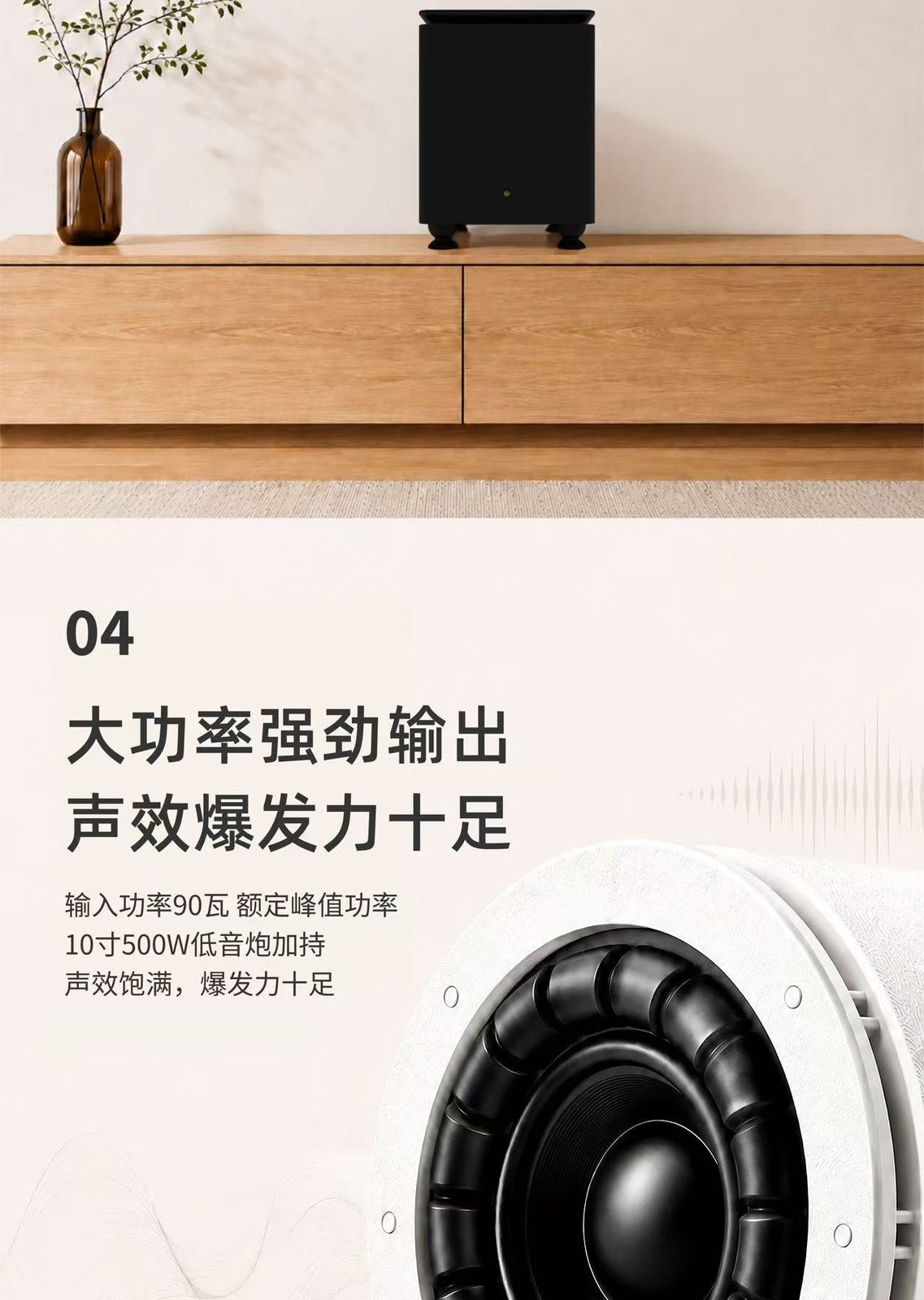 Walls Already Closed? How CW90 Wireless 5.1 Solves the Retrofit Problem (Video)
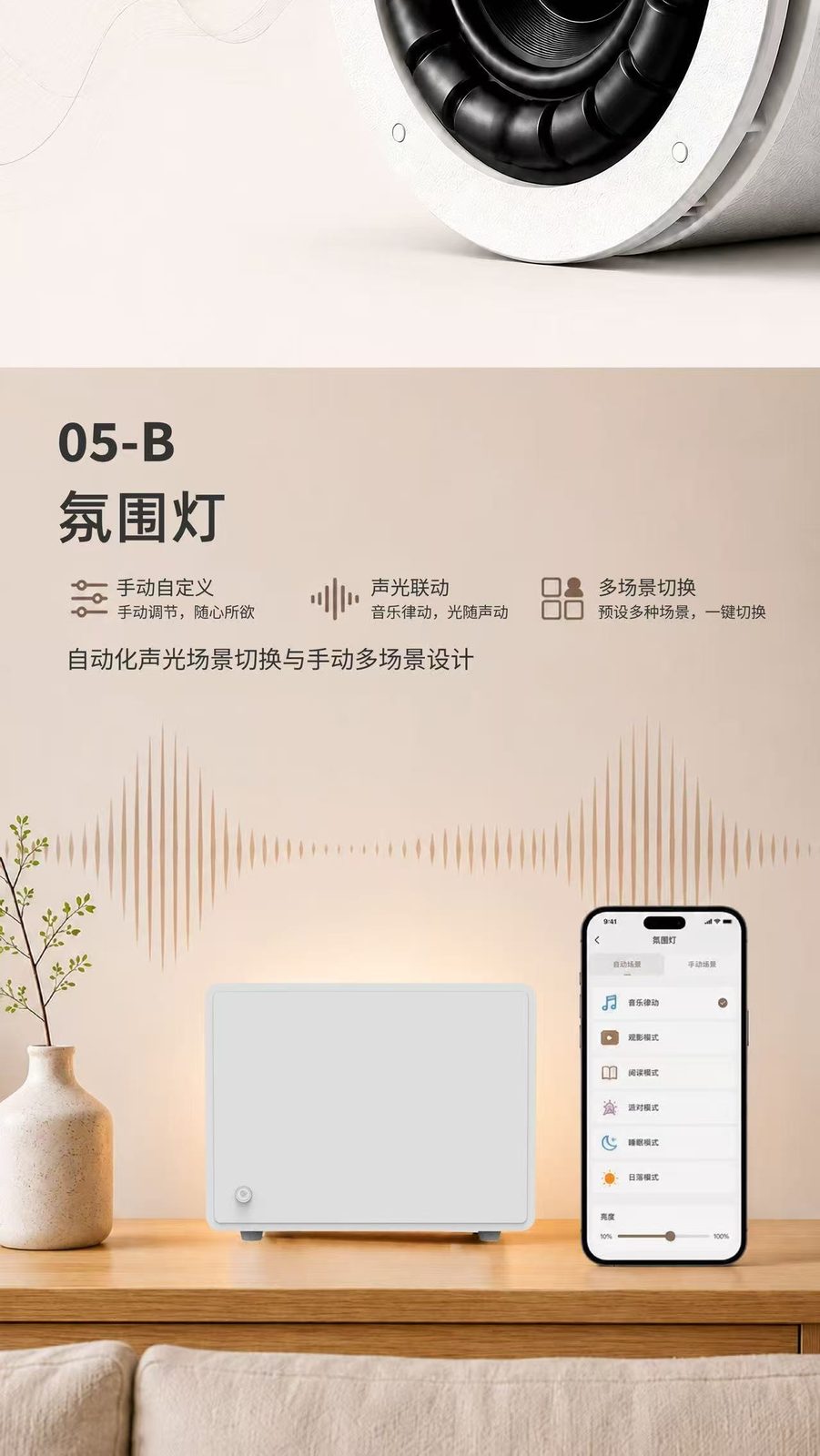 What It Looks Like When It's Done: CW90 Wireless Living Room (Video)